AI-powered translation
Translate metadata to 30+ languages with OpenAI, Google Gemini, or DeepL.
AI-powered App Store workflow
A native Mac app for indie developers managing App Store Connect localization, metadata, screenshots, validation, and publishing.

Download
Metadata Translator & Updater
AI-translate App Store metadata to 30+ languages, bulk-edit locales, manage screenshots, and publish — all from a native Mac app. Free download.
Screenshots
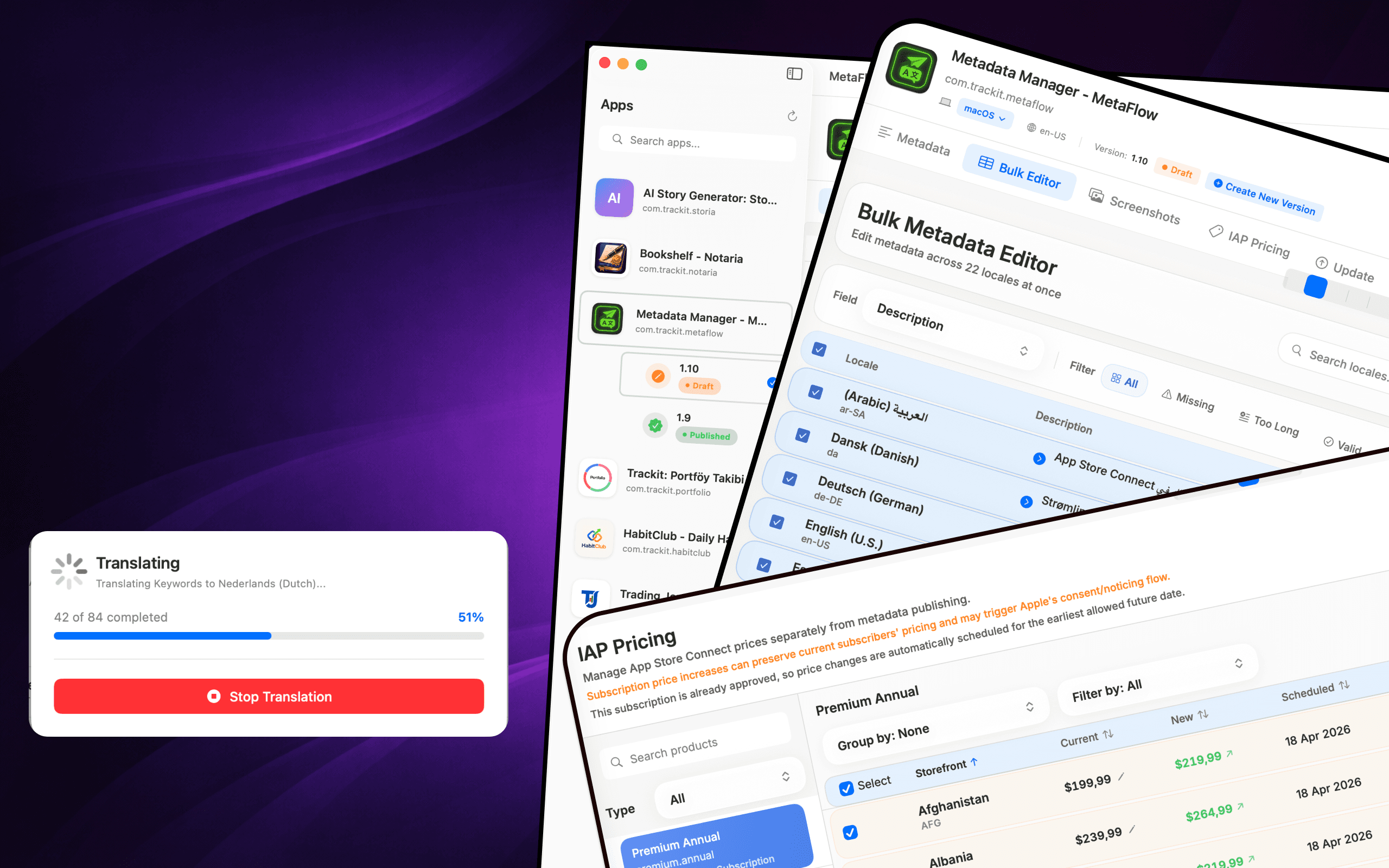
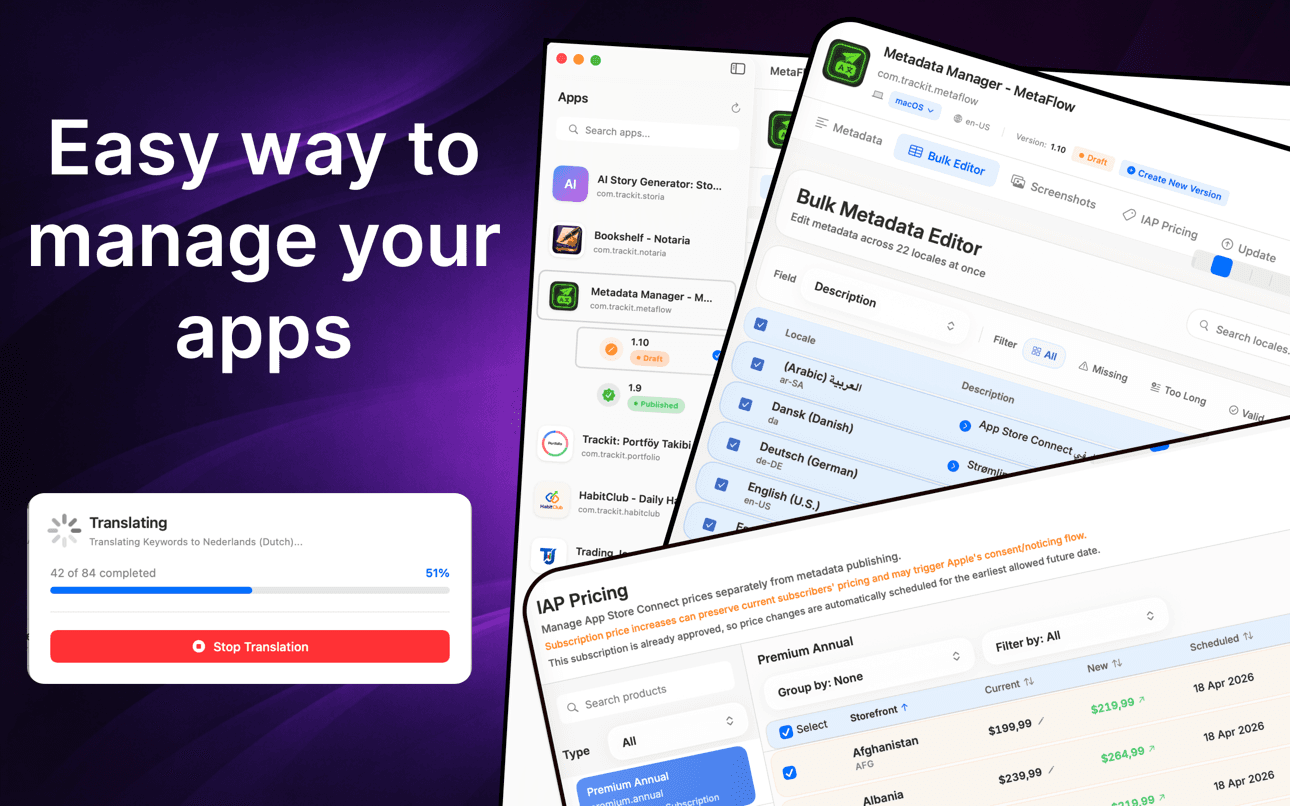
Translate metadata, bulk-edit locales, manage screenshots, and update pricing without the web forms.
How it works
MetaFlow turns App Store Connect localization into a four-step native workflow — connect, translate, manage screenshots, and publish.
Add your App Store Connect API key once and MetaFlow pulls in your apps, versions, and every locale. Credentials are stored in the macOS Keychain and stay on your Mac.
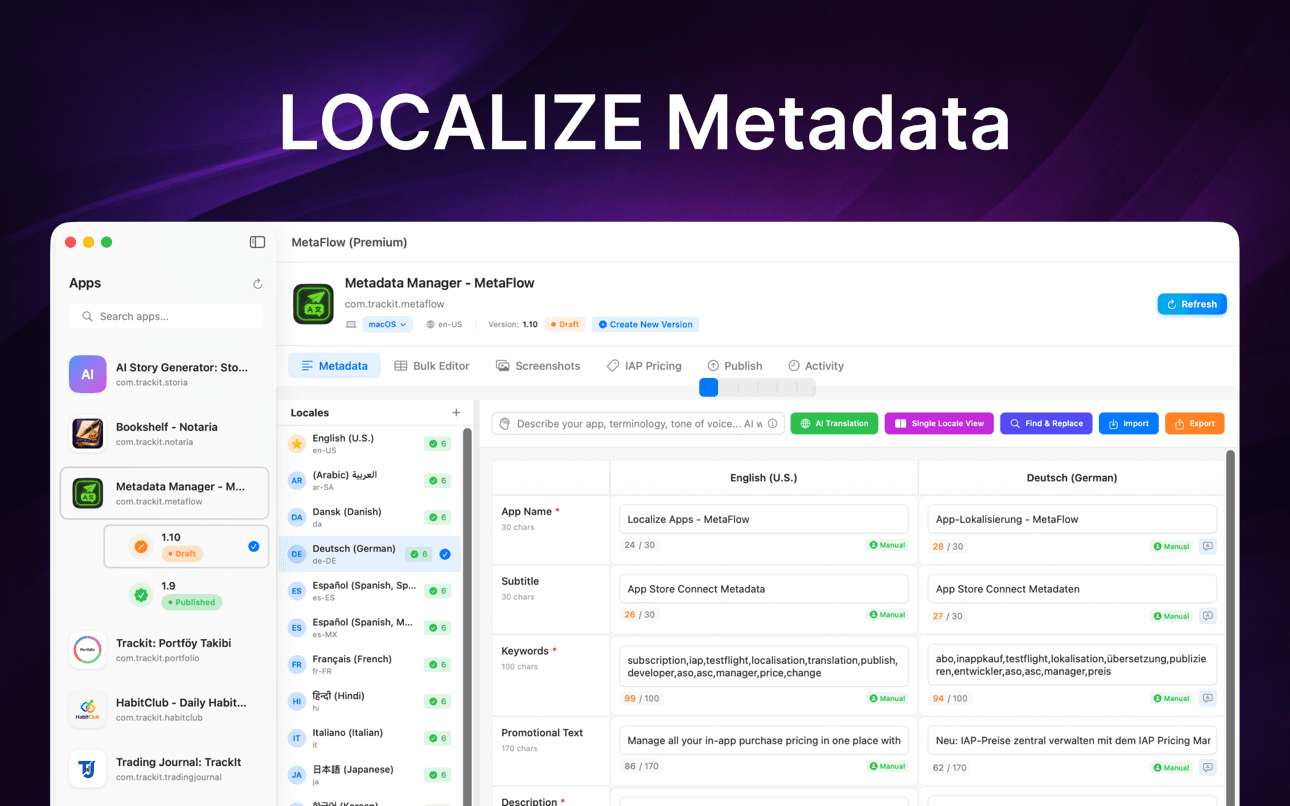
Edit names, subtitles, keywords, and descriptions natively, or translate them to 30+ languages with OpenAI, Google Gemini, or DeepL — with human-in-the-loop review before anything ships.
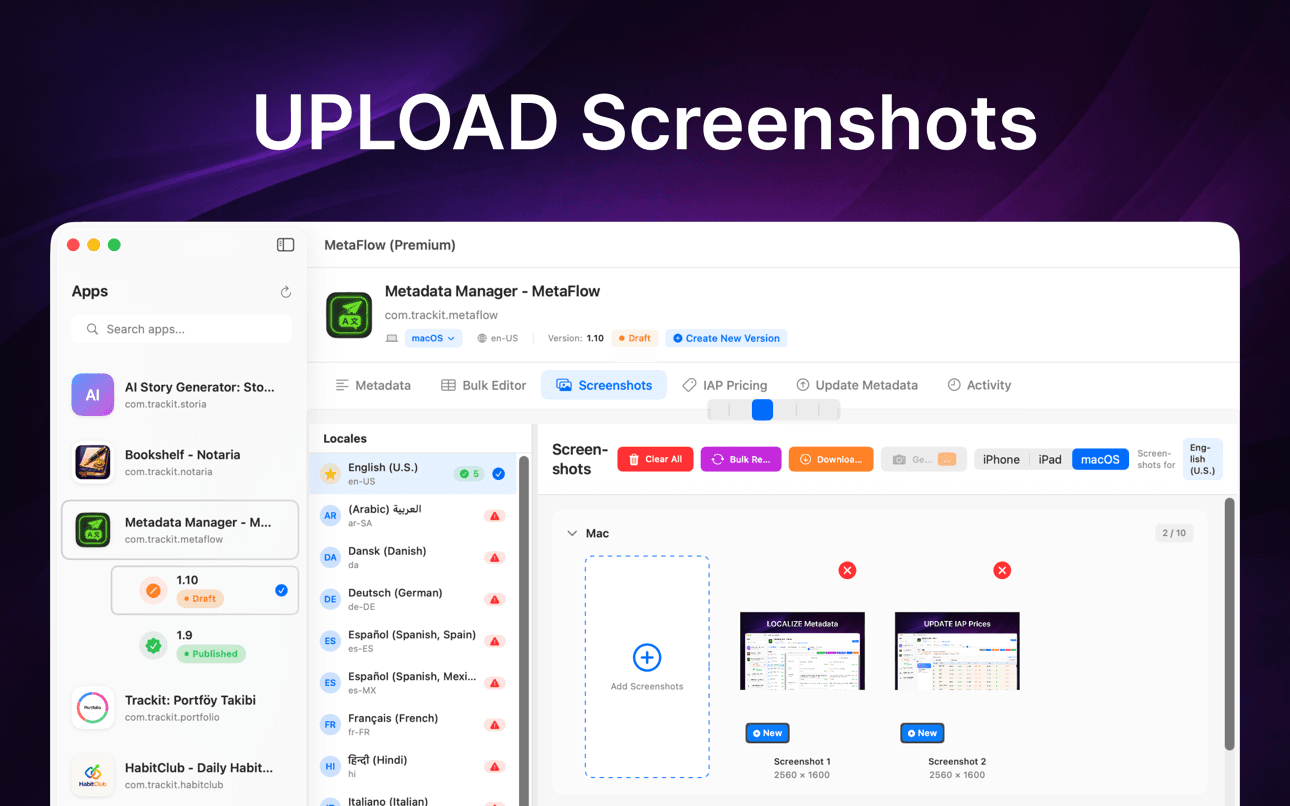
Drag and drop screenshots, auto-categorize by device group, apply Apple's inheritance rules, and download existing screenshots from every locale in one place.
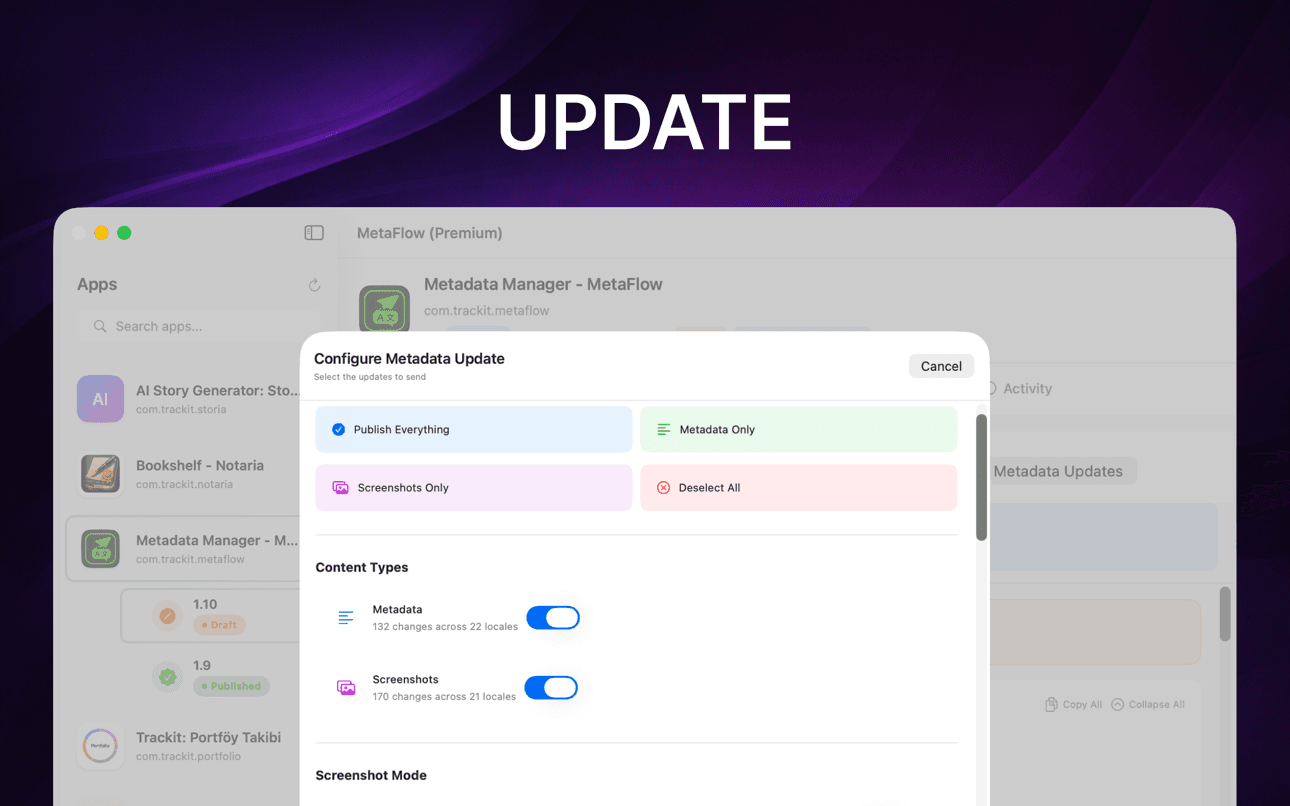
Run pre-flight validation and a dry-run preview, then publish metadata, screenshots, and pricing through the App Store Connect API with per-locale status tracking.
What it helps with
AI-translate App Store metadata to 30+ languages, bulk-edit locales, manage screenshots, and publish — all from a native Mac app. Free download.
Translate metadata to 30+ languages with OpenAI, Google Gemini, or DeepL.
Edit locales in a spreadsheet-style table with batch operations and validation.
Handle iPhone, iPad, and Mac screenshots with drag-and-drop organization.
Preview changes, validate fields, and publish through App Store Connect APIs.
Move through localization, screenshots, validation, and publishing in a focused native Mac workflow.
Keep human review in the loop while AI handles repetitive localization work.
Guides
Practical, developer-focused walkthroughs for localizing, translating, and shipping App Store metadata.
Localize your App Store name, subtitle, description, and keywords the right way — fields, character limits, market picks, and a faster way to ship it.
Read guideHow to translate an App Store description with OpenAI, Gemini, or DeepL — context prompts, character limits, review workflow, and publishing to ASC.
Read guideStop uploading screenshots locale by locale. Apple's inheritance rules, Media Manager limits, and how to bulk-upload every language from your Mac.
Read guidefastlane deliver is powerful but high-maintenance. Compare GUI alternatives for App Store Connect metadata, screenshots, and publishing on macOS.
Read guideGenerate an App Store Connect API key in minutes: request access, pick the right role, download the .p8, find your Issuer ID, and keep it secure.
Read guideChange IAP and subscription prices in App Store Connect: price tiers, scheduled changes, preserving existing subscribers, and bulk regional updates.
Read guideWhy it matters
MetaFlow is built for teams and indie developers managing many locales, screenshots, prices, and releases.
Your metadata, screenshots, credentials, and provider keys stay on your Mac unless you choose to publish or translate through connected services.
Metadata Translator & Updater
MetaFlow is the modern, AI-powered metadata and screenshot manager for indie developers and vibe coders. Say goodbye to tedious web forms and hello to a fast, native Mac app that saves you hours on app localization and publishing.
Translate metadata to 30+ languages in minutes. Choose from OpenAI, Google Gemini, or DeepL. Add your API key and launch. Context-aware translations understand your app while keeping you in control with human-in-the-loop workflow.
Edit locales in a spreadsheet-style table view. Copy from primary locale to any language, filter by missing content or character limits, and use inline editing with real-time validation. Search and select multiple locales for batch operations.
Support for Apple devices: iPhone, iPad, Mac. Drag-and-drop addition, auto categorize by device group, leverage Apple's screenshot inheritance rules, and download existing screenshots from App Store Connect.
FAQ
MetaFlow supports OpenAI, Google Gemini, and DeepL. You pick the provider per project, and context-aware prompts give the model your app's terminology and tone so translations read naturally rather than literally.
Yes. MetaFlow uses a bring-your-own-key model: you add your own OpenAI, Gemini, or DeepL API key, and translations run through your account. That keeps you in control of cost and usage, and AI translation is optional — you can edit and publish metadata without ever adding a key.
Your App Store Connect API key and provider keys are stored in the macOS Keychain and never leave your Mac. MetaFlow is local-first with no cloud sync — there is no MetaFlow server, and your credentials and metadata stay on your machine unless you choose to publish or translate. MetaFlow does send product analytics (app version, feature usage, and approximate location from your IP) to help improve the app; your metadata, screenshots, and keys are never included.
MetaFlow edits the localized fields App Store Connect exposes — app name, subtitle, keywords, promotional text, description, and release notes — with live character counters and validation for each field so you never exceed Apple's limits.
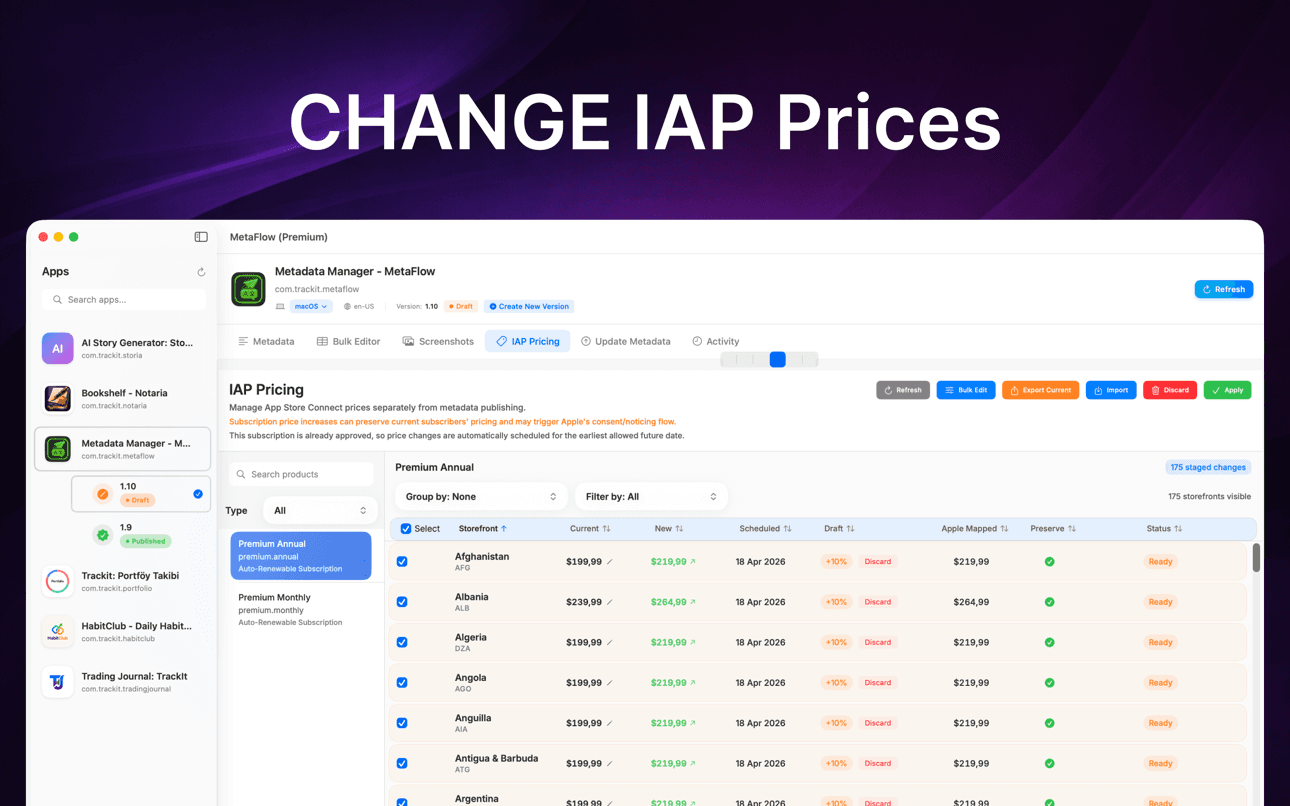
Yes. You can drag and drop screenshots per device and locale using Apple's inheritance rules, and update in-app purchase and subscription prices in bulk by percentage, tier, or manual value — including scheduled changes and preserving prices for existing subscribers.
MetaFlow is free to download from the Mac App Store, and the free tier manages your first app with the full feature set — editing, AI translation, screenshots, and publishing. MetaFlow Premium is an in-app subscription that unlocks unlimited apps. It requires macOS 14.0 or later and an App Store Connect account with API access. AI translation providers bill through your own API key.
MetaFlow runs pre-flight validation and a dry-run preview that shows exactly what will change, then publishes through the App Store Connect API with detailed, per-locale status tracking. Version-aware editing handles Draft and Published states so you always know what is going live.
Get started
AI-translate App Store metadata to 30+ languages, bulk-edit locales, manage screenshots, and publish — all from a native Mac app. Free download.